
CAD's Next Shift
Computer aided design has a history of moving towards more capable substrates. How will CAD evolve next?
Stories of how things came to be in technology fascinate me. How did humans manage to take a technology that was originally used for calculating ballistic trajectories and thermonuclear reactions and transform it into a technology that helps us design and build entirely new things like computer chips, buildings, factories, railways, robots, cars, movies, music, games, and art?
There are four snapshots that immediately come to mind. Two happened during the birthplace of CAD, one happend when humans decided to stop designing on paper, and one that’s still in the process of being figured out.
I’m afraid that I won’t do any of these stories the justice they deserve, but I think seeing them together is instructive. Each of these stories involves people grappling with advancements in computer technology in an effort to make tools that can help humans design complex things meant to function in the real world. Many of the problems they grappled with are problems that still exist in CAD software today.
When we compress time and see how some of the fundamental ideas we take for granted were invented, it becomes easier to recognize that many of our ways of interacting with CAD software aren’t set in stone, they’re just what made sense at the time that they were invented.
I think this recognition is important because it gives us permission to reconsider the foundational assumptions built into today’s CAD software. Reconsidering foundational assumptions is one of the best ways to identify new opportunities and create innovative technologies that can elevate the use of computers for designing.
With this in mind, let’s take a journey back in time to one of my favorite periods in computer history.
1. Sketchpad (1963)
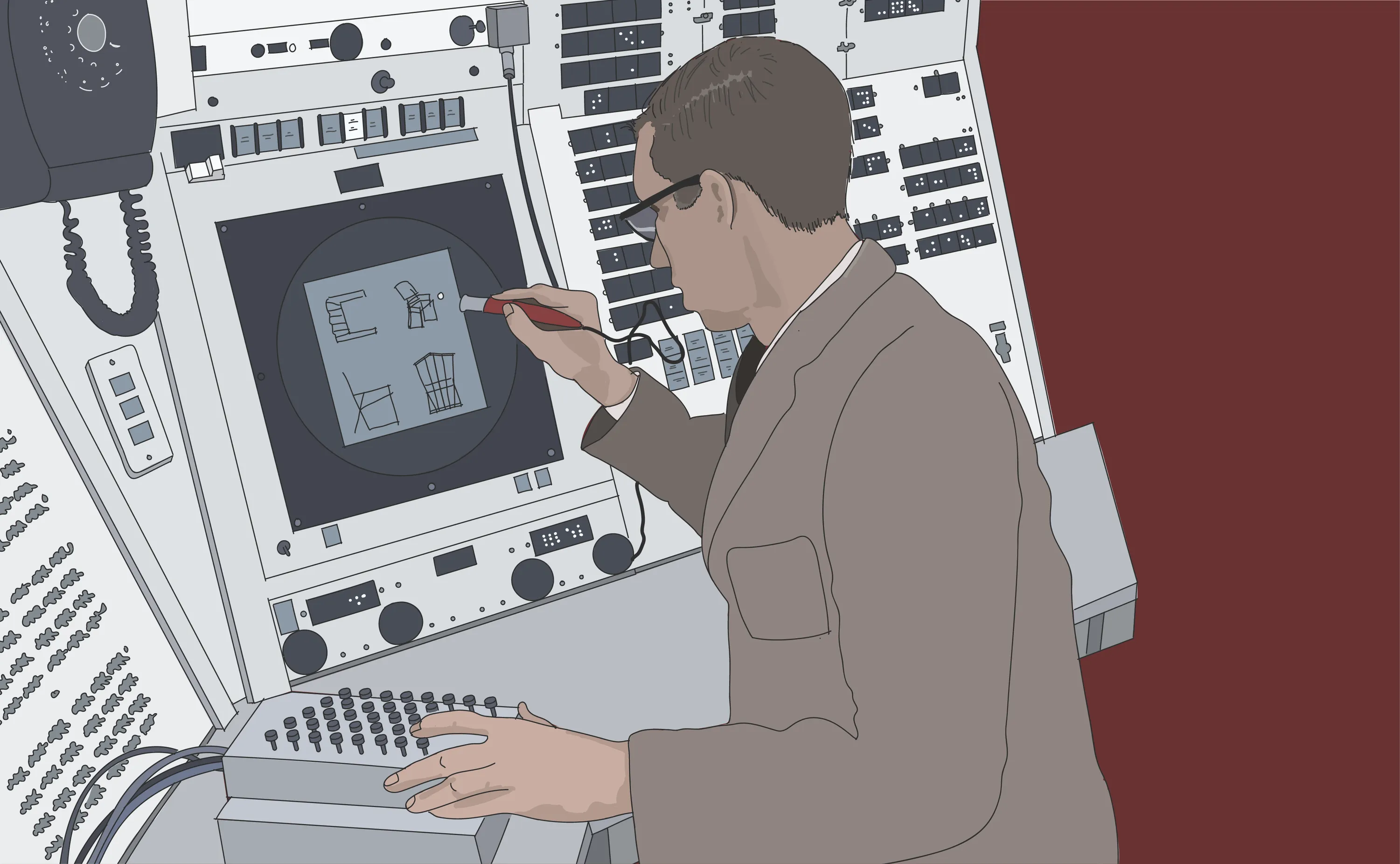
If you want to understand the genesis of CAD, there’s no better way to start than Ivan Sutherland’s Sketchpad. Sketchpad was Sutherland’s doctoral thesis project (supervised by Claude Shannon, no less!) which explored how humans could have more natural and intuitive ways to communicate with computers. It’s an extraordinary feat of imagination and ingenuity.
Sketchpad users could draw approximate shapes with a light pen on a cathode ray display and then constrain them to make them precise. Programming could be done through diagramming on screen rather than laboriously encoding binary instructions on punch cards or punch tapes. Sketchpad made it possibe for users to work into problems that they didn’t fully understand at the onset.
Here’s a video of how Sketchpad functioned. It’s shockingly modern in execution and usage.
The video below demonstrates how Sketchpad was used and shows some additional enhancements made to the system after Sutherland had earned his doctorate. It’s interesting to see how hardware controls and switches were utilized for some of the more advanced operations. Today’s midi controllers for electronic music perform a very similar function. The 3D work in the latter part of the video below shows that the MIT research team were exploring far in advance of what computers were capable of doing.
I often think about how Ivan Sutherland was only 24 years old when he finished Sketchpad. He had to build up the core capabilities he needed from scratch. He had to figure out a system of interacting with the screen with a light pen, develop predictive pen tracking, invent light pen gestures, enable direct object manipulation, object and workspace scaling, object instancing and inheritance, object grouping, object relationships and linkages, object duplication, constraints, object closure and snapping. Sketchpad utilized a virtually infinite canvas more than 50 years before Figma launched.
This was an extraordinary number of inventions for one person to make, and Sutherland managed to do this decades before these inventions found their way into commercial CAD software.
One of the reasons Sutherland was able to travel as far as he did was because he was building on the computer of tomorrow. The hardware capabilities and display of the TX-2 research computer, made it possible to explore the future of designing decades before the technologies would be available to the public. This is a pattern that has been repeated throughout computer history.
Seeing the sheer scope of Sutherland’s work and how well-executed Sketchpad was, I seriously wonder whether we’ve been using our collective software-making imaginations as well as we might. It’s shocking to think about how much he was able to invent in an age where computers were able to do so little.

2. DAC-1 (1964)
In 1964, IBM created the Design Augmented by Computer (DAC-1) system for General Motors. This research project was contemporaneous with Sketchpad but its focus was quite different. DAC-1 could scan existing design drawings as digital inputs, users could then make modifications to the digitized designs using a light pen, and the resulting designs could then be outputted to CNC plotters and 35mm film.
The DAC-1 ultimately failed because it didn’t recognize or solve enough of the right problems, despite the considerable resources and technical expertise that IBM brought to bear on the project. DAC-1 assumed that the bulk of designing would still happen on paper. The role of the computer was to help designers make digital modifications for output back to paper.
While the DAC-1 had a limited useful lifespan, it’s significant in that it was an early effort to bridge the divide between analog and digital in CAD – something we still struggle with today.
In today’s CAD, many issues arise when a digital design is not in agreement with the physical world. It can be a challenge to get the accurate site measurements needed to begin detailing out a design. Translating digital designs into physical things can be very challenging and error-prone. Errors introduced into a design can have significant downstream consequences during construction.
The mismatch between digital and physical exists because we haven’t had good ways to reliably map digital models to the physical world. Today’s CAD tools are siloed, and the way they organize and store their data makes it hard to get the data out so that it can be used in new ways.
It also doesn’t help that CAD’s digital primitives don’t behave like physical entities. In CAD, it’s entirely possible to have two objects intersect with each other. Digital designs in CAD largely operate in a physics-free space.
Bridging the gap between digital and physical worlds is one of the great unsolved problems in CAD. I suspect that in order to make inroads on this, we’re going to need to look at the fundamental building blocks and assumptions that underpin today’s CAD software.
3. AutoCAD (1982 →)
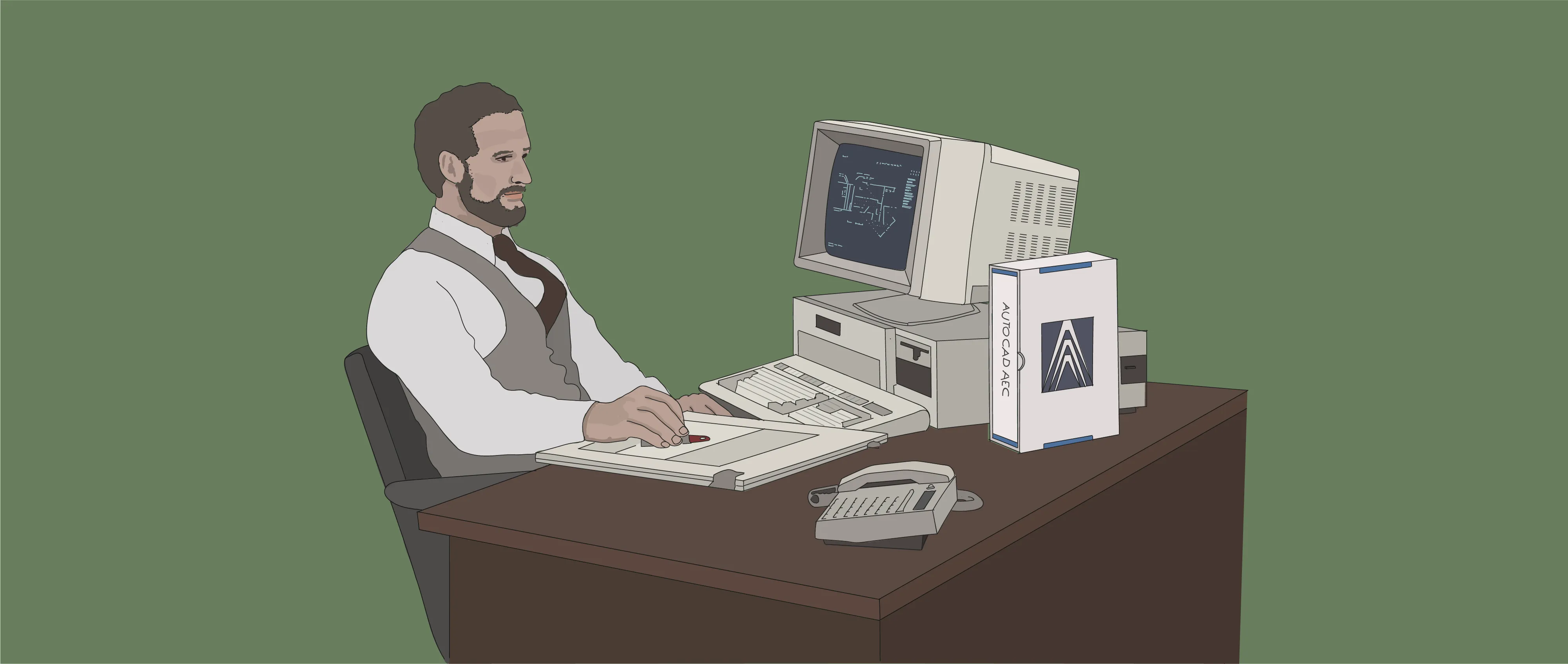
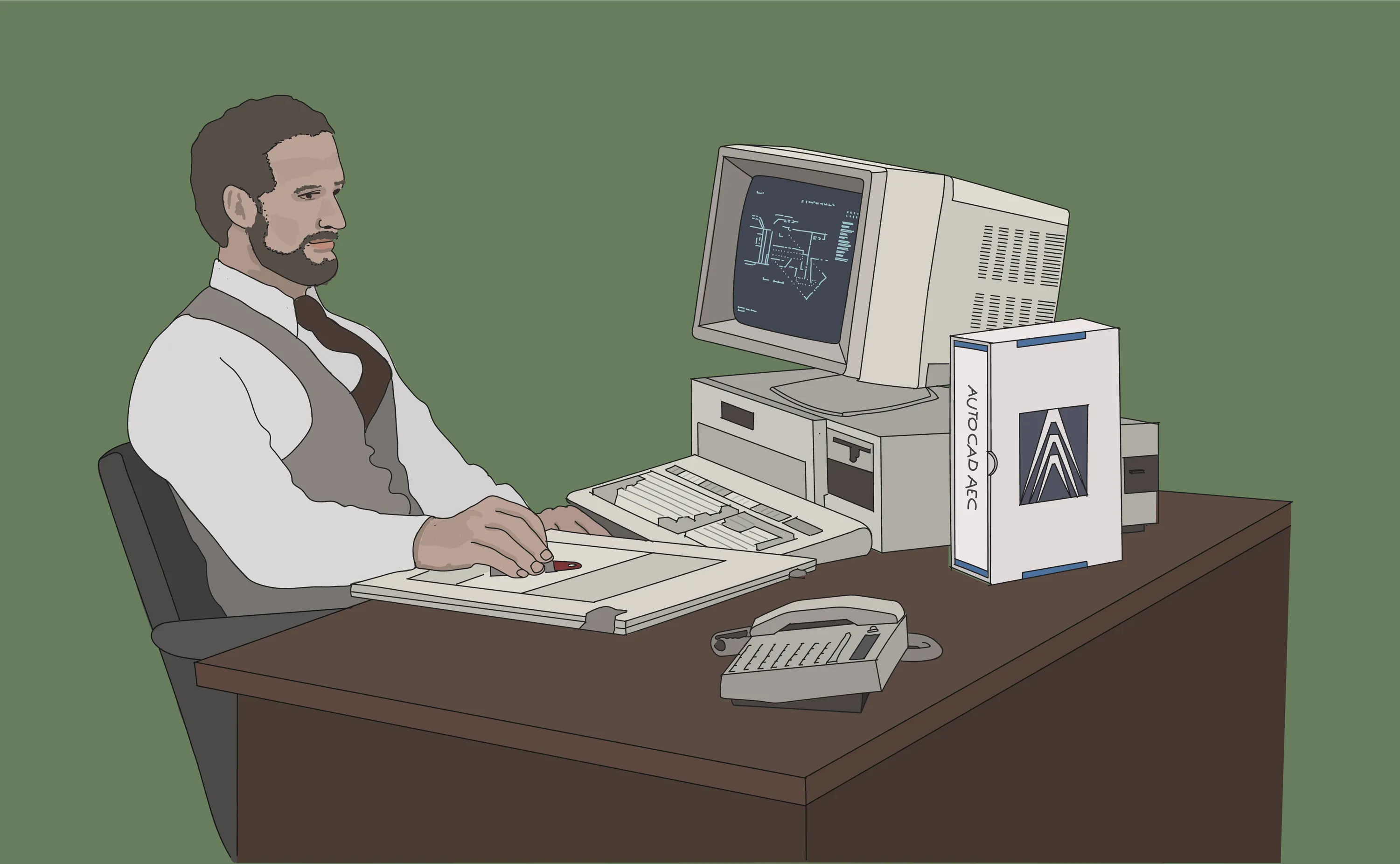
Twenty years after Sketchpad was created CAD made the jump from mainframe computers to the personal computer. AutoCAD’s inventors understood that the personal computer was going to democratize CAD. Moore’s law would ensure that PC computation would get cheaper an exponential rate.
AutoCAD’s inventors accurately predicted that CAD was going to make the jump over to the more evolutionarily fit computational substrate, and the first-mover advantage they enjoyed was considerable.
AutoCAD’s success and longevity have been noting short of remarkable. It’s the gold standard for architectural design and has evolved to encompass electricl design, mechanical design, design for MEP, design for industrial plants, and design for civil infrastructure.
Compare the basic interaction patterns were established early in AutoCAD’s gestation…
…with the latest version of AutoCAD 40 years later. You’ll see that the basic drawing tools are still in there.
It’s mind-blowing to realize that these interaction patterns were established when the job was to win over designers who were used to working on paper.
The magnitude of the change that AutoCAD brought about is hard to fathom. Prior to 1982, the majority of architects and mechanical designers would have designed on paper, just as they had for centuries. By the late 1990s, CAD on PCs was capable enough and beneficial enough that the transition to designing with computers was largely complete. What an accomplishment.
I think AutoCAD’s success tells us a couple of important things:
- CAD will move to the more evolutionarily-fit computational substrate when there’s enough of a benefit for doing so.
- Design practitioners will endure a significant amount of short-term pain and distruption if there’s a meaningful payoff in the end.
This suggests two questions:
1. Are there signs that computation is transitioning away from PC-based software?
Since the invention of PC-based CAD in 1982, what’s happened in the enabling technology landscape that might have a bearing on how people use computers to design and make? Quite a bit (table is scrollable):
| Date | Technological Development |
|---|---|
| 1983 | Arpanet adopts TCP/IP. The Internet is born. |
| 1991 | World Wide Web created by Vint Cerf. |
| 1993 | Mosaic web browser invented. |
| 1993 | First person shooter Doom launched, ushering in the PC gaming era. |
| 1997 | Quake 2 launches, the first GPU-accelerated 3D game. |
| 2000 | REST APIs invented. |
| 2006 | iPhone launched. |
| 2006 | Nvidia CUDA created, enabling GPUs to do non-graphics tasks. |
| 2006 | AWS launched. |
| 2008 | REST APIs reach tipping point, cloud computing established. |
| 2011 | WebGL launched, allowing browser to access GPU resources. |
| 2012 | Deep learning model AlexNet created, built on Nvidia GPUs. |
| 2013 | Oculus Rift ships. |
| 2016 | Pixar open sources USD. |
| 2017 | Transformers invented with publishing of “Attention Is All You Need”. |
| 2019 | Web Assembly ratified as standard, enabling desktop class software in the browser. |
| 2018 | GPT-1 released by open AI. |
| 2018 | Nvidia releases RTX, real time ray tracing. |
| 2019 | 5G wireless networking launched. |
| 2019 | Unreal Engine used for feature film special effects and architecural visualization. |
| 2020 | Apple transitions from Intel to Apple Silicon. |
| 2020 | GeForce Now launched, enabling low-latency game streaming from cloud. |
| 2020 | GPT-3 released. |
| 2020 | Covid pandemic accelerates remote work trend. |
| 2022 | Chat GPT released, popularizing chat bots. |
| 2025 | Claude Code reaches tipping point. |
| 2026 | Industry-wide RAM shortage due to AI datacenter buildout. PC suppliers struggling with supply chain. |
The last entry in this table is the tell. PCs are no longer the most evolutionarily-fit computational substrate. CAD will make the jump.
2. Are there signs that CAD is in the process of being reshaped?
Yes. AI natural language interfaces can understand complex requests made by humans. Agentic coding is starting to change the way software is written. Generative AI design applications are starting to appear. AI agents are building with APIs written for human developers. Model Context Protocol allows agents to connect to pre-AI era software systems. AI pattern recognition is very useful for structured data. It’s inconceivable that these developments won’t fundamentally reshape CAD.
I think it’s safe money to assume that it’s 1982 all over again. Just as CAD made the transition from mainframe computers to the persoanl computer, CAD will now transition to the next computational substrate.
The transition is unlikely to happen as quickly as it seems to be happening in code and UI design – there are massive consequences when buildings, infrastructure, and machines are designed and engineered poorly – but the changes in the enabling technology landscape virtually guarantee that it will happen.
What will the shape of next generation CAD look like when it moves over to this new computational substrate?
4. Next-Gen CAD (2023 →)
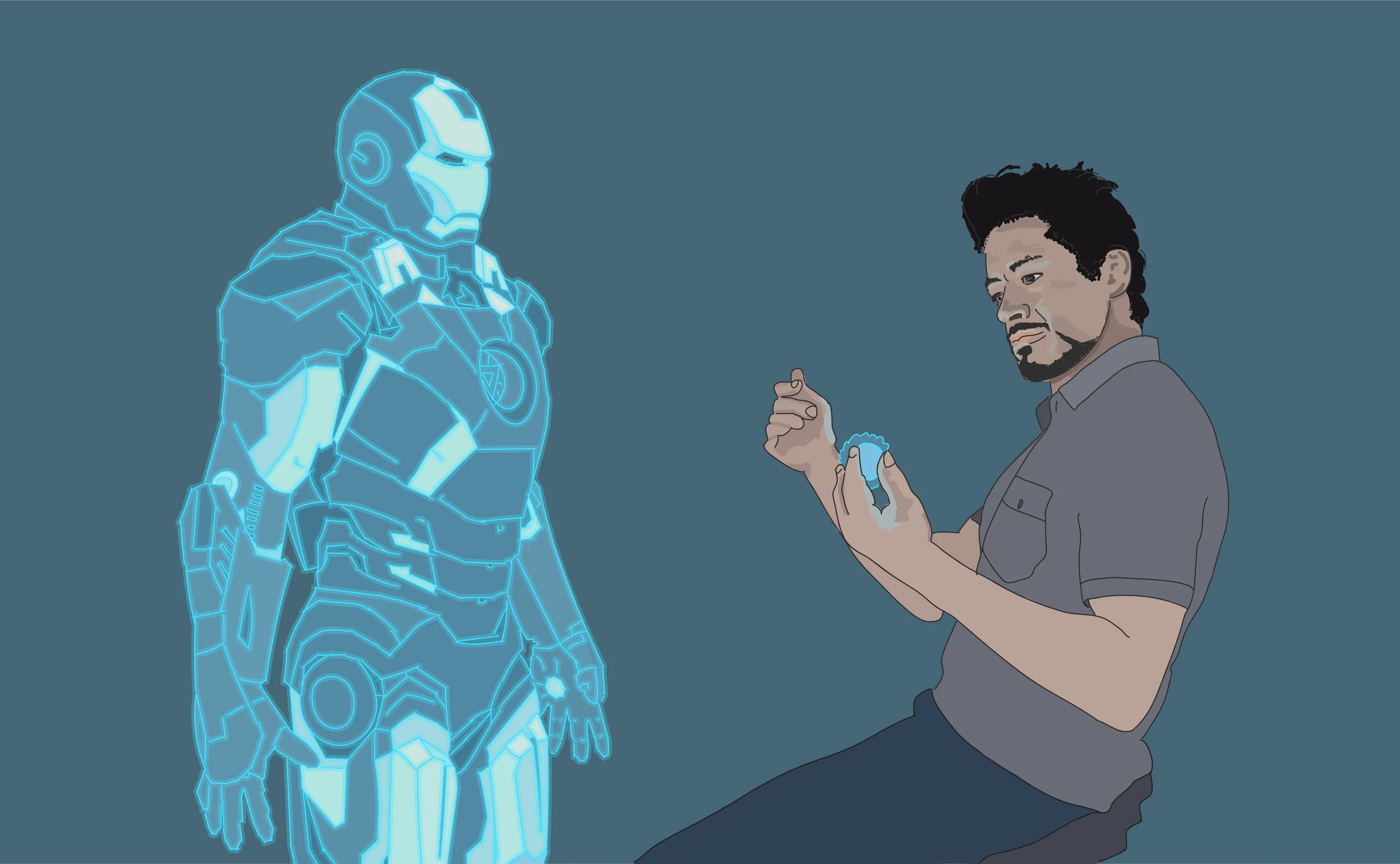
One of the things that I find interesting is how hard it is to find examples in popular culture of what designing might look like in the future. Tony Stark and Jarvis was about the best I could find, and that story didn’t have a terribly happy outcome. It feels as if our collective imagination around how computers might be used for designing has not grown as quickly as computer technology has advanced.
If we’re going to create the best possible future for CAD and designers, I think we’re going to need to exercise our imaginations in the same way that Ivan Sutherland managed to do more than 60 years ago when he invented Sketchpad.
We’re going to need to find new ways to bridge the gap between the digital and physical, just like the IBM team that created the DAC-1 attempted to do.
We’re going to need to look at all of the advances in the enabling technology landscape since the patterns in today’s CAD software were established, just like the creators of AutoCAD did when the personal computer was invented.
I also think we’re going to need to look at the CAD software we have, and work to understand how the shape of this software came to be. Some of the shape will be because over the last 60 years we’ve discovered what works and what doesn’t. But some of the shape will be because that’s the best we were able to figure out given the limitations of computers at the time and the shape of the world when these software patterns were established. These present huge opportunities for innovation and reinvention.
Possible avenues for exploring next-generation CAD
Given that we can conjure up working software just by asking for it, now is the time we should be exploring what the fundamental building blocks of tomorrow’s CAD software might be. Here are some avenues for exploration, in no particular order (table is scrollable):
| Today | Possible Future | |
|---|---|---|
| CAD constrained by local CPU compute | → | CAD powered by on-demand elastically scaled GPU compute |
| PC/windows native CAD tools | → | Platform-agnostic CAD tools |
| Single users do the designing | → | Organizations do the designing |
| Local design teams | → | Distributed design teams |
| Closed file formats | → | Open interchange formats |
| Desktop file-based CAD | → | Cloud-native CAD |
| Universal design representation | → | Expressive, personalized design representation |
| Standard artifact styling | → | Custom, idiomatic artifact styling |
| High architecture | → | Vernacular architecture |
| Mobile last CAD software | → | Mobile native CAD software |
| Manual import/export | → | Porous data exchanges |
| Static designing | → | Simulation-first designing |
| Centralized design platform | → | Decentralized peer-to-peer collaboration |
| Industry-specific CAD tools | → | Industry-agnostic CAD tools |
| Closed CAD software ecosystems | → | Porous CAD software ecosystems |
| US/EU centric CAD software | → | Regionally-specific CAD software |
| Data soverignity | → | CAD application soverignity |
| Digital-first designing | → | Reality-first designing |
| Photorealistic rendering is a nice-to-have | → | Photrealistic rendering is built in |
| Precise results from precise inputs | → | Precise results from fuzzy inputs |
| File formats tightly coupled with CAD tools | → | CAD tools that are file format-agnostic |
| Designers bend their thinking to tools | → | Tools bend their thinking to designers |
| Designers tell computers what to do | → | Designers collaborate with computers |
| Single device CAD tools | → | Multi-modal CAD tools |
| One UI to rule them all | → | Highle bespoke UI |
| Design file is the unit of exchange | → | Design change is the unit of exchange |
| Digital vs. analog | → | Digital and analog |
| One version at a time | → | Many versions together |
| Design collaboration | → | Organizational designing |
| Thick client, thin server | → | Thin client, thick server |
| Static designs | → | Simulation-first designs |
| Ribbon-based CAD UI | → | Intelligent, context-aware UI. |
| CAD applications at the center | → | Designs at the center |
| CAD tool lock-in | → | Use the best CAD tool for the job |
| Digital and real world are separate | → | Digital and real world are integrated |
| Asynchronous designing | → | Collaborative designing in real time |
| Manipulate parametric shapes | → | Manipulate objects that understand what they are |
| CAD software makers choose what problems to solve in software | → | Design practitioners solve their own problems through software they create |
| CAD software companies make CAD software | → | Design practitioners make their own CAD software |
| Work forwards from design to construction | → | Work backwards from construction to design |
| Static designs | → | Fully interactive simulated designs |
| File management, model coordination | → | CAD source control |
| Design files | → | Digital twins |
| Imperative CAD | → | Self-organizing CAD |
| CAD tool customization | → | Bespoke CAD software |
| Clash detection | → | Clash avoidance |
| Incrementally improving CAD software | → | Rapidly evolving CAD software |
| CAD software subscriptions | → | CAD software ownership |
| Design curation | → | Design communication |
| Closed carbon and energy models. | → | Open source carbon and energy models |
| Design and build from scratch. | → | Design for radical, sustainable reuse |
| Designing in idealized space | → | Context-first designing |
| CAD for yesterday’s designers | → | CAD for tomorrow’s digital natives |
| Keyboard and mouse | → | Specialized CAD midi devices |
It’s worth noting that this isn’t an exhasutive list. This is just what I could come up with in an hour of noodling about the distance between what today’s CAD allows, and what might be beneficial to people who design complex things meant to function in the real world.
What would your list be?
More Reading
Lessons From Pixar's USD
Pixar created an interchange format for organizations to design complex 3D things. What can CAD learn from USD?
APR 19, 2026
How This Site Was Made
Static site builder Astro was a great testbed for learning about building with Claude and Cursor.
MAR 28, 2026